 Day ’N Deed

01.
Capture the useful part.
Tap Record to begin. Swipe Capture away while recording continues; the red bar inside the app brings you back.
Good conversations deserve follow-through. Good ideas deserve a place to land.
Meetings, tasks, calendars and follow-ups belong together. Day ’N Deed connects them in one place, with shared lists for everyday life and a private journal for your own thoughts.
Free to download for iPhone and iPad. Optional in-app subscriptions. Android is in internal testing.Your day, connected. Day ’N Deed is now available for iPhone and iPad. See what’s available and what’s next →
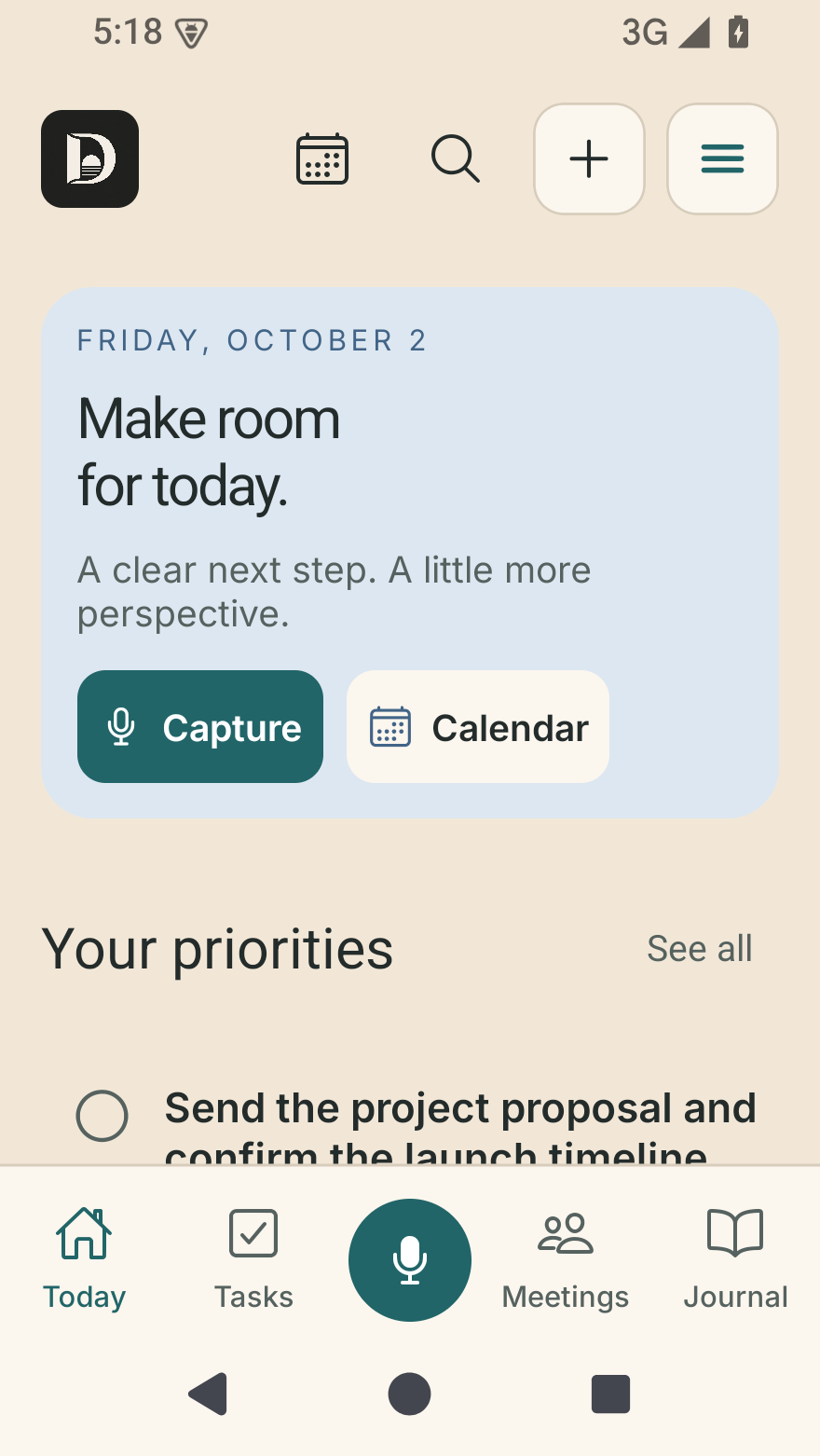
Android · Today, with sample priorities and the compact navigation bar.
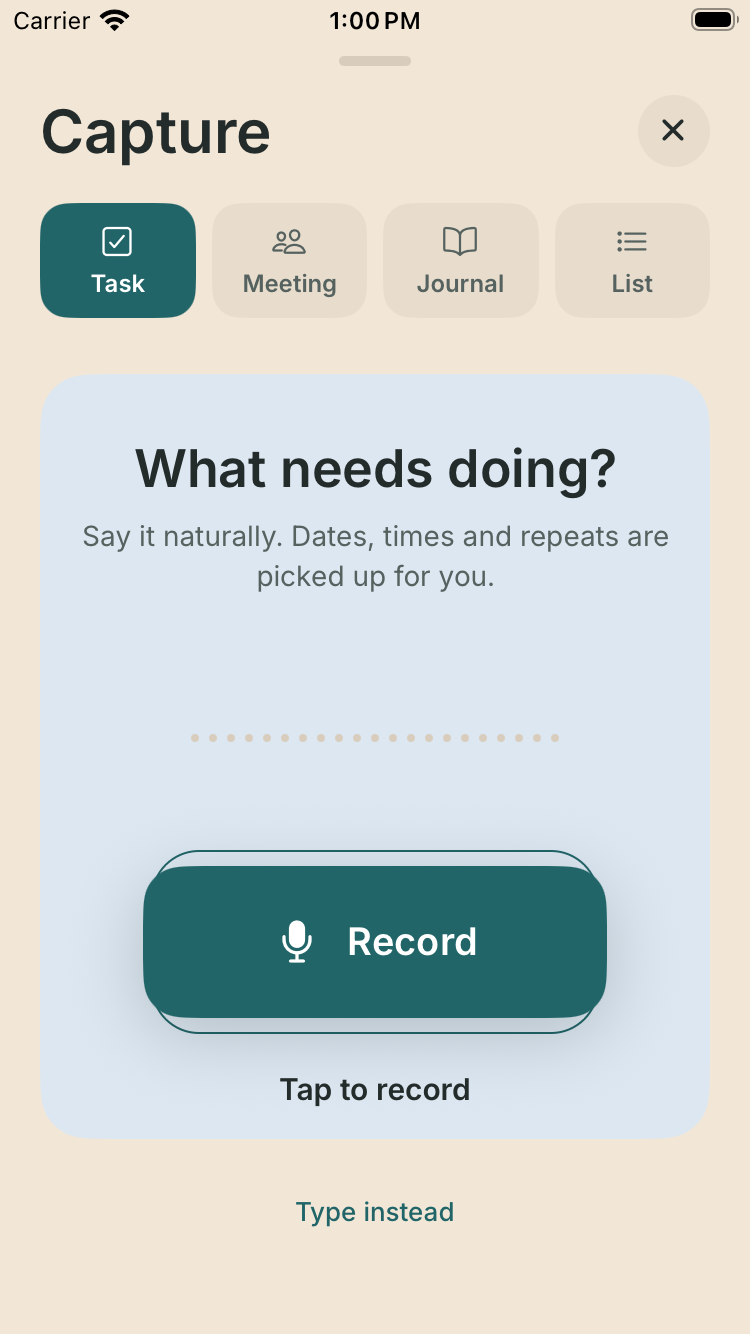
iPhone · Choose Task, Meeting, Journal or List before you record.
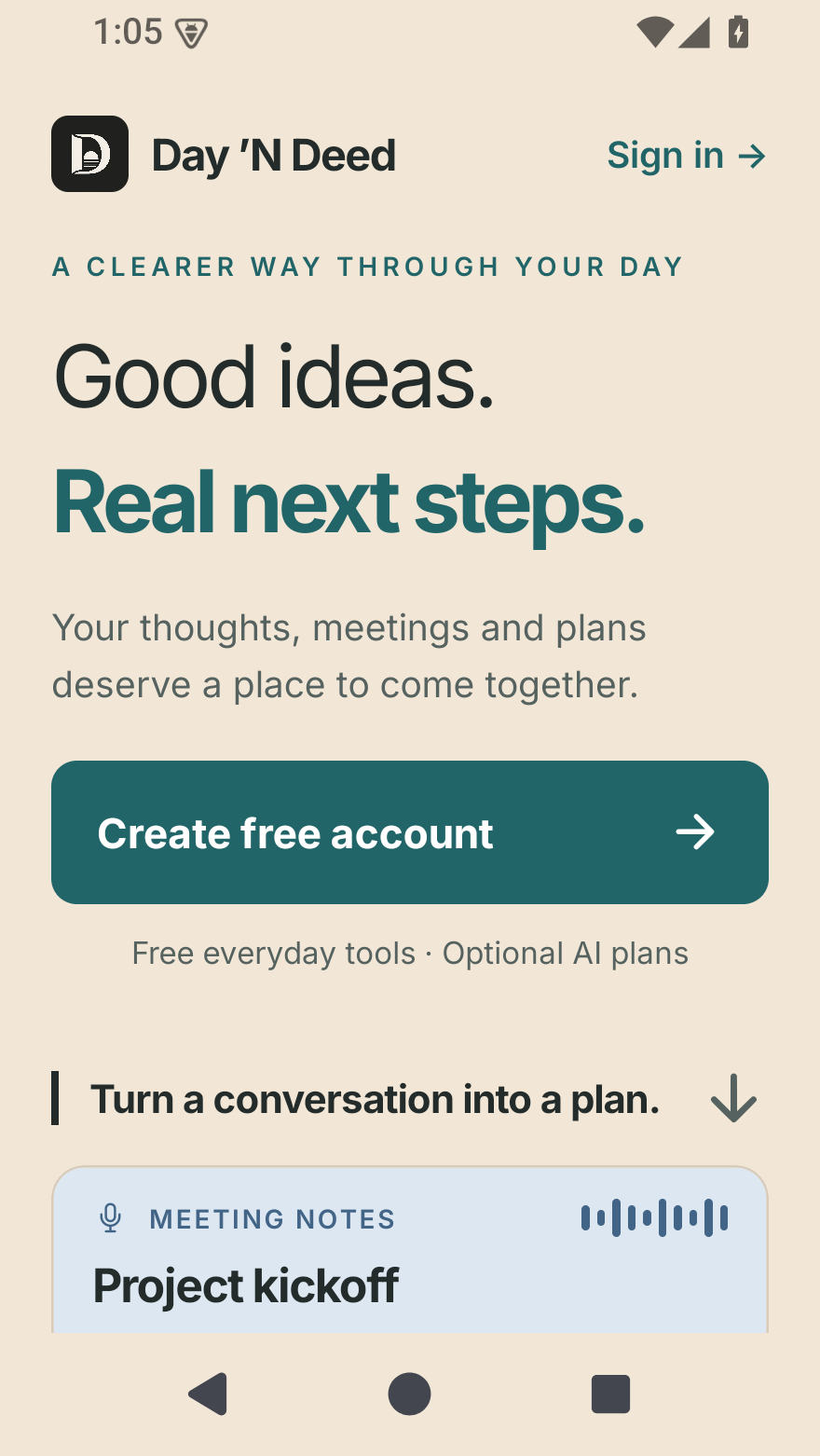
Android · A clearer introduction to meetings, tasks and everyday plans.
Native iPhone and Android previews captured October 2, 2026, using the app’s real components with sample data. These previews show the October 2 interface; later versions may differ. Appearance varies by device and text size. Tap a screen to see it full size.
Start a recording when you’re ready. Keep recording while you use another app or lock the phone. Stop to save, then return to a readable summary, transcript and next steps.
iPhone · Choose Task, Meeting, Journal or List before you record.
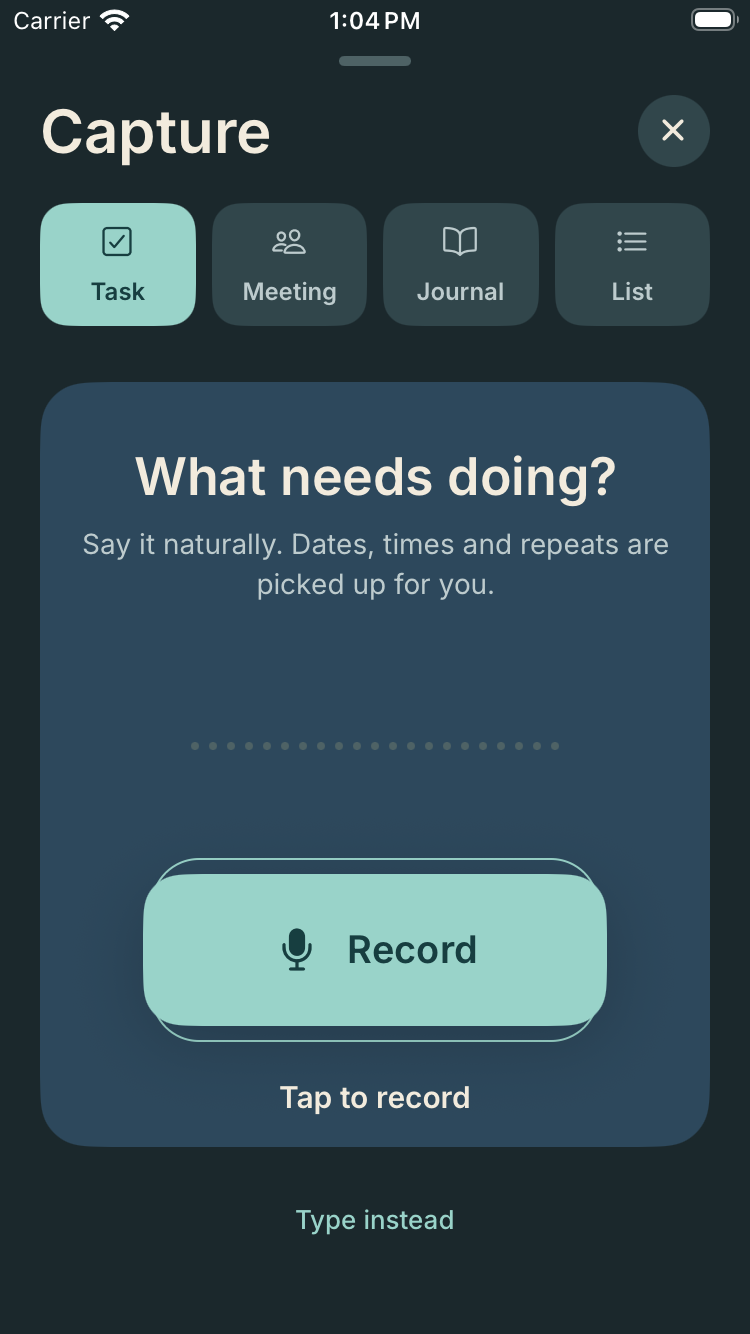
iPhone · The same Capture controls in dark appearance.
Tap Record to begin. Swipe Capture away while recording continues; the red bar inside the app brings you back.
Stopping saves the meeting and starts transcription according to your settings. Saved audio remains available if processing needs a retry.
Review suggested names, dates and actions. Choose what becomes a task or a private commitment before saving.
Make it clear who does the work and who only follows the discussion. Keep your own promises and things you’re waiting on in a private commitments view, with a link back to the source.
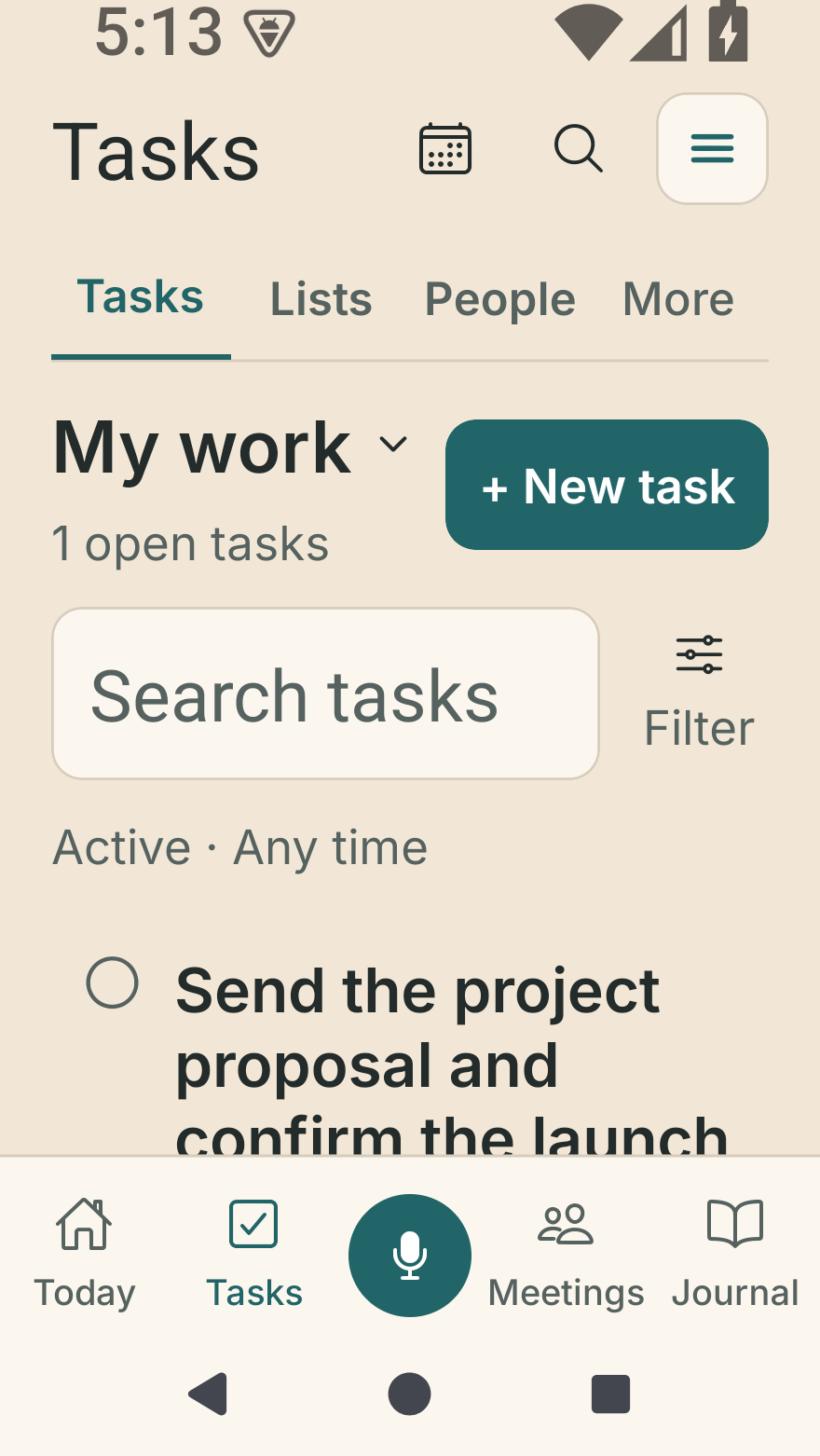
Android · Tasks, Lists and People with enlarged system text and sample data.
See selected appointments alongside your work. Turn a task into a calendar time block, review a proposed weekly plan, or ask for a brief that explains what needs attention.
“Add milk, eggs and cereal to my next grocery list.” Speak or type, review the items, and save. Keep a list private or share it with connected people.
Edits to previously loaded lists can queue offline and sync when you reconnect. Shared live updates require a connection. List access is managed separately from task assignments.
Write or talk it through. Record a decision, what you expect and why you made it. Return later with new observations while keeping your original reasoning intact.
Face ID or your device passcode keeps the journal private. Optional encrypted sync links your devices, never your task collaborators.
Review saved task completions, saved focus sessions and your own entries. Write a private weekly review without AI.
Optional reflections and task suggestions. You choose what to process and what becomes a task.
Start with the essentials. Choose Lite for a monthly processing allowance or Full for unlimited AI requests and cloud minutes, subject to service capacity and recording limits.
No paid subscription for the essentials.
Or $89.99 billed yearly
Save $29.89 compared with 12 monthly payments.
US prices. Annual billing keeps the same monthly allowances.
Or $189.99 billed yearly
Save $49.89 compared with 12 monthly payments.
Eligible new Full subscribers: 7 days free, then the selected monthly or annual price unless canceled.
US prices shown. Annual plans are billed upfront once a year. Lite allowances reset on the first of each UTC month without rollover. Full has no monthly AI-request or cloud-minute quota; shared service capacity can temporarily pause processing. Recordings are limited to approximately 90 minutes and 20 MB for cloud uploads. On-device transcription does not deduct cloud hours. The App Store shows localized prices, trial eligibility and renewal terms before purchase. No automatic overage charges. Read subscription terms.
Download Day ’N Deed for iPhone and iPad on the App Store. Android remains in internal testing; contact Support about testing access. Invitations are limited and access is not automatic.
The focus is what happens next: a meeting becomes reviewed actions, those actions become tasks, and tasks stay organized alongside the rest of your day. Shared assignments, team conversations and reusable lists support the follow-through. Your private journal has its own separate space.
No. Manual tasks and organization work without AI. Cloud transcription, summaries and suggestions require a connection, your consent and available allowance. Native voice recognition can run on supported Apple devices without a cloud transcription charge.
No. The journal is a member-only area, separate from shared tasks. Optional encrypted cloud sync is available in Profile; keep your recovery code safe. If you choose to create a task from an entry, you will review what is copied. The journal entry itself will not be shared with collaborators. Read our privacy policy for storage, recovery and optional AI processing details.
Visit Support for sign-in, capture and purchase help, or our account-deletion guide. Our contact is info@1fishergroup.com.
Leave a conversation with a little more clarity—and do something with it. Get Day ’N Deed for your iPhone or iPad.
Free download. Optional subscriptions are purchased in the app.