 Day ’N Deed
Shared tasks with a clear next step.
Day ’N Deed brings incoming assignments and the tasks you create into My work. Connect with people by invitation, organize a team, and keep responsibilities visible through owners, due dates and live completion status.
In iOS TestFlight and Android internal testing. Public store release coming soon. Ask about beta access; invitations are subject to availability.
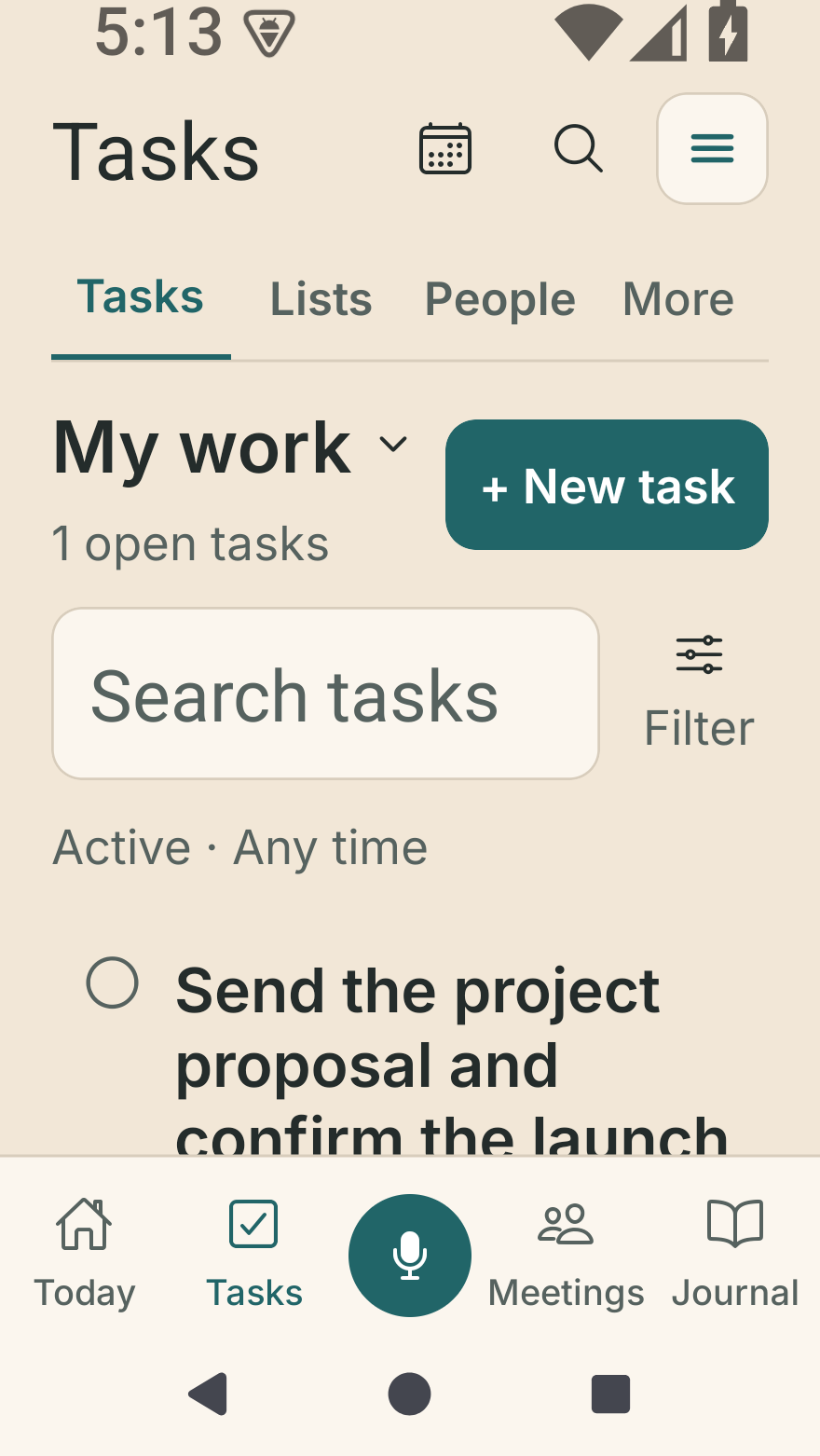
Your work, within reach.
Android · Tasks, Lists and People with enlarged system text and sample data.
Native iPhone and Android previews captured October 2, 2026, using the app’s real components with sample data. These show the interface, not a public store release. Appearance varies by device and text size. Tap a screen to see it full size.
Make a routine repeat
Set a repeat schedule with a start date and an end date or no end. Android 9 improves voice capture for weekday, weekend and custom-interval tasks. Review the proposed schedule before saving, then check the next occurrence after completing the current one.
Choose who does the work
Open Assign people on a task, or choose Delegated → Assign a task. Select responsible people separately from followers who only need to stay in the conversation. Uncheck Me when handing work off.
Choose one shared completion, or require everyone assigned to finish their own part. Completing your part shows Waiting for others until the whole task is finished. If people have different deliverables, give each responsibility its own task and date.
Incoming assignments appear beside your own tasks in My work.
Keep private commitments separate from assignments
Use I owe, Waiting on or Confirm owner to track a promise, deadline and check-in, with source passages and a history of changes. A name in a commitment does not assign work or send a message.
Link a task to connect the follow-through. Completing the task resolves its commitment; reopening the task reopens it. Resolving a commitment alone does not complete a shared task. Removing a linked task preserves the commitment and its history.
Organize a team around the work
Connect through People, create a team from Teams, and add connected members. Use team categories and status views to organize the work. Dates, priorities, reminders and repeat schedules help make the next step specific.
A meeting can produce several responsibilities. Use reviewed meeting action items to turn those commitments into tasks, then follow progress with the people doing the work.
Who can read a task discussion?
A task discussion is for that task’s participants. A team conversation is for that team. Check the audience shown before posting. Messages brings these discussions together; the current version does not include direct-message threads or read receipts. In testing builds, approved shared-task and team messages may trigger push alerts when enabled and permitted on the device; delivery is not guaranteed.
Shared messages are checked for harmful content before delivery after acceptance of the community rules. These safety checks are separate from optional AI assistance and use no AI credits. Read the community rules and reporting guidance.
Can a task have a checklist?
Link a reusable list to a task for groceries, packing or a recurring routine. Task assignments and list access are separate: assigning a task does not automatically share a private list.
What stays private?
Your journal is separate from collaboration. Entries are never shared with task or team participants. Manual task organization works without optional AI. Live shared updates require an internet connection.
See planned Free, Lite and Full plans for the proposed public release offerings.